How to Open and Convert HEIC on Windows (2026 Guide)
2026-02-01 · Updated 2026-06-16 · 12 min read
HeicSave team
We test HEIC workflows on Windows 11, macOS, Chrome, and Edge before publishing. Editorial standards
Last updated: June 16, 2026
Windows users get HEIC from iPhone owners every day—USB copy, iCloud sync, Google Drive ZIP. Here is what actually works in 2026 without guessing.
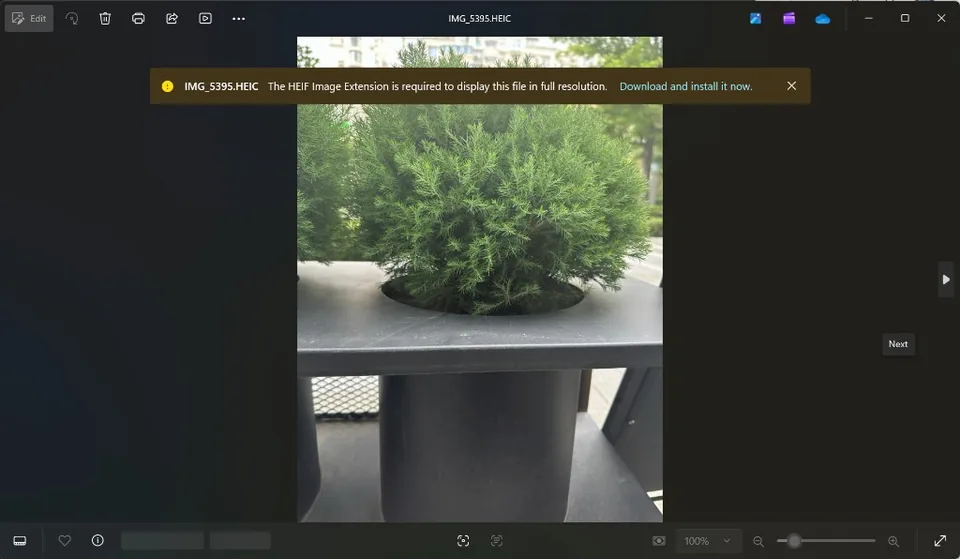
Option 1: Install HEIC codecs (admin may be required)
Microsoft Store has HEIF Image Extensions (often free) and sometimes HEVC Video Extensions (paid on some PCs). After install, Photos may open HEIC and Explorer may show thumbnails.
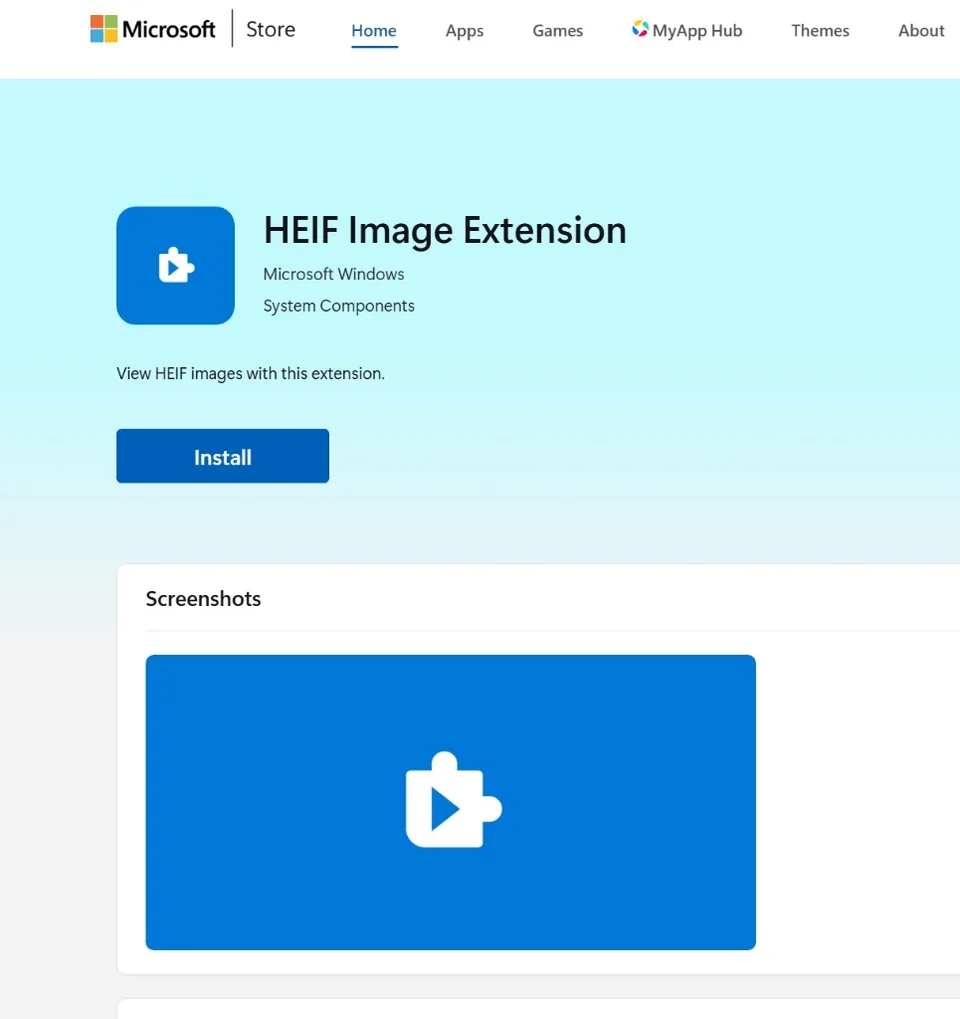
Quick install via winget (PowerShell, requires App Installer from Microsoft Store):
winget install Microsoft.HEIFImageExtension
If winget is not recognized, use the Store link above—same extension, no command line needed.
Limits: locked-down work PCs, missing HEVC for some color profiles, batch workflows still awkward compared to one JPG export.
Option 2: Convert in the browser (no install)
- Open HEIC to JPG in Chrome or Edge (best HEIC decode on Windows).
- Drag .heic files into the drop zone—or click Browse files.
- Set JPEG quality if you want smaller or sharper files.
- Click Convert, then download each JPG or Download all as ZIP.
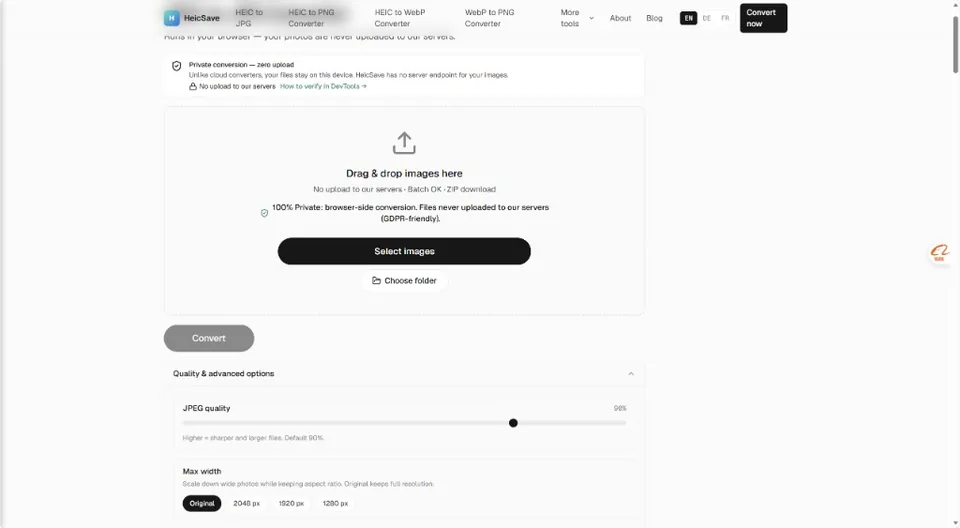
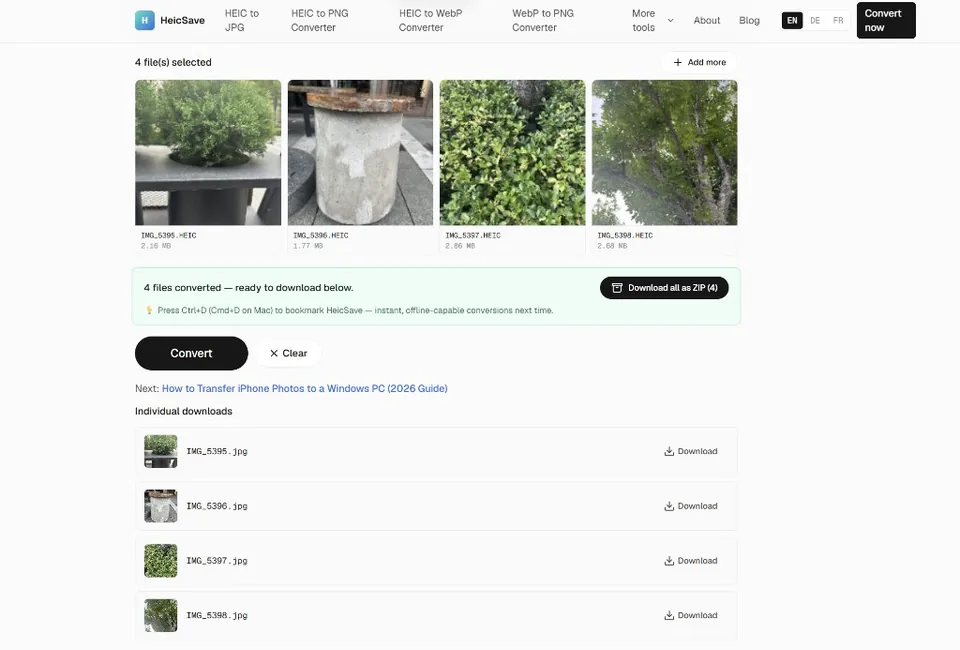
Conversion runs in your browser. Nothing uploads to a server.
Why browser-local beats random upload sites
| HeicSave (browser-local) | Cloud uploader | |
|---|---|---|
| Privacy | Files stay on your PC | Uploaded to third party |
| Batch + ZIP | Yes | Often capped |
| Admin rights | Not needed | Not needed |
| Account | None | Often required |
Option 3: Photos app one-by-one
If codecs are installed: open in Photos → ⋯ → Save as → JPEG. Fine for a few files; painful for vacation folders.
Batch conversion tips
There is no fixed “5 files” or “10 MB” cap on HeicSave. Very large folders may slow down your PC; if the tab struggles, convert in smaller groups of 50–100. HeicSave warns when a batch or file size looks heavy for your device.
For Google Drive workflows specifically, see Batch convert HEIC from Google Drive.
Troubleshooting (2026)
| Problem | What to try |
|---|---|
| Photos app spins forever | Codecs missing; use browser conversion |
| Email won't attach HEIC | Convert to JPG first |
| Blank thumbnails in Explorer | Install HEIF extension or convert |
| USB copy still HEIC | Normal; see transfer guide |
| Conversion failed | Chrome/Edge, confirm .heic not .mov Live Photo video |
| Need transparency / lossless | HEIC to PNG |